JP / EN
PanoDive - for Apple Vision Pro
That video becomes a space.
With the overwhelming power of Apple Vision Pro, transform 2D visuals into 3D in real time.

PanoDive is an app that uses AI to convert photos and videos into 3D, delivering an immersive experience as if you were inside the scene. It supports hand gesture controls, allowing you to freely move, scale, and rotate displayed images and videos.
Key Features
- Convert 2D Images and Videos to 3D
Using the powerful AI capabilities of the Vision Pro processor (M2/M5), depth information is estimated and reconstructed into a 3D experience.
- Display Multiple Images Simultaneously
Place images freely around you. Adjust size and angle as you like, and lock them in place when needed.
- Hand Gesture Controls
Intuitively control the placement of images and videos with natural gestures.
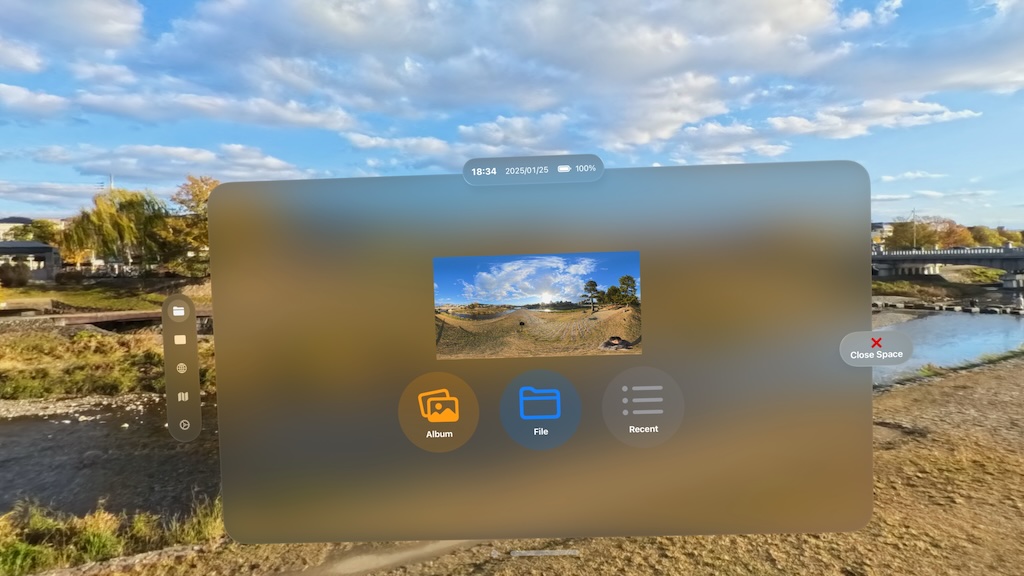
- Support for VR360 Images
Automatically detects panorama and equirectangular formats. Surround yourself with immersive 3D visuals.
- 3D Map Display
Experience Apple’s Look Around feature in 3D. Revisit memorable places or explore new ones as if you were there.
How to use hand gestures
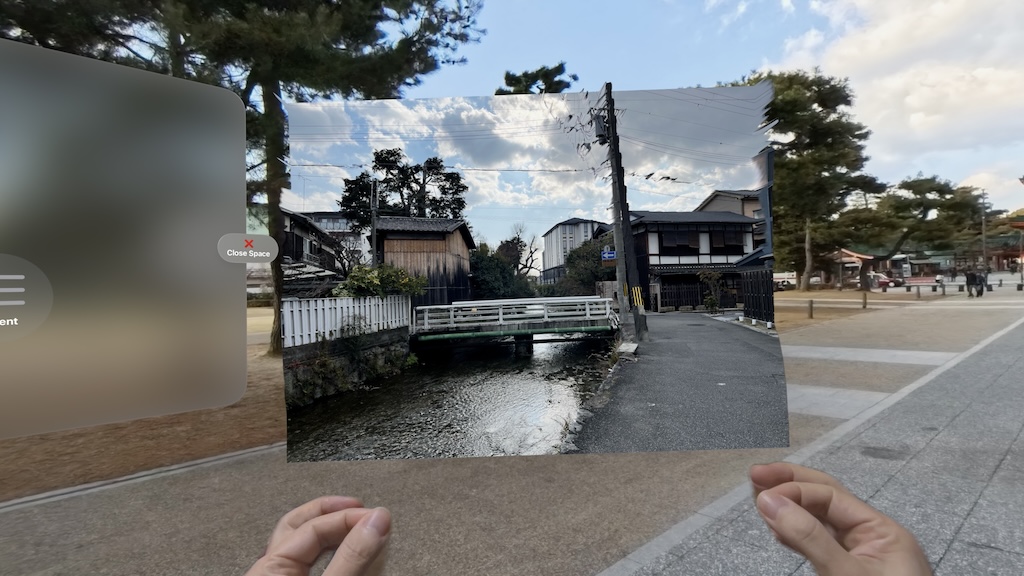
- Objects that can be manipulated with hand gestures
Panoramic images and VR360 images cannot be manipulated with hand gestures. Normal images and videos can be manipulated with hand gestures.
- Movement
With your gaze fixed on the image, pinch and drag your thumb and forefinger together to move the image.
- Zoom in and out
With your gaze fixed on the image, you can expand the image by holding both thumbs and forefingers together and expanding the distance between your arms. You can shrink the image by narrowing the distance between your arms.
- Rotation
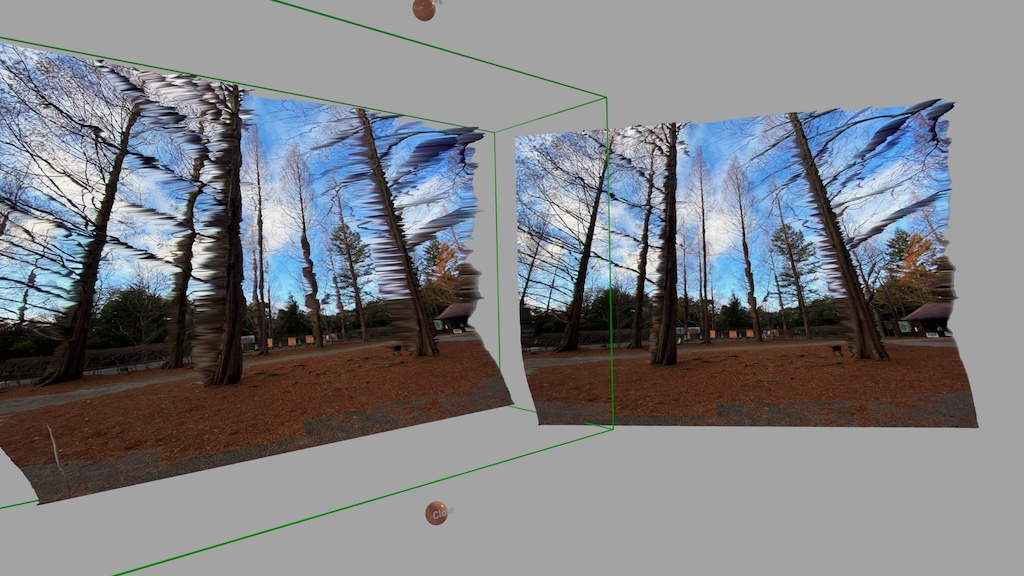
Tap the image to bring out the green frame, then move both arms in the direction you want to rotate the image by attaching the thumbs and index fingers of both hands.
- Change Depth
Tap the image to bring out the green frame. Narrowing the distance between the arms makes the depth shallower.
- Gesture Lock
Double-tap while keeping your gaze on the image to disable hand gestures. Double-tap again to deactivate.
A Dynamic 3D Space Powered by Vision Pro
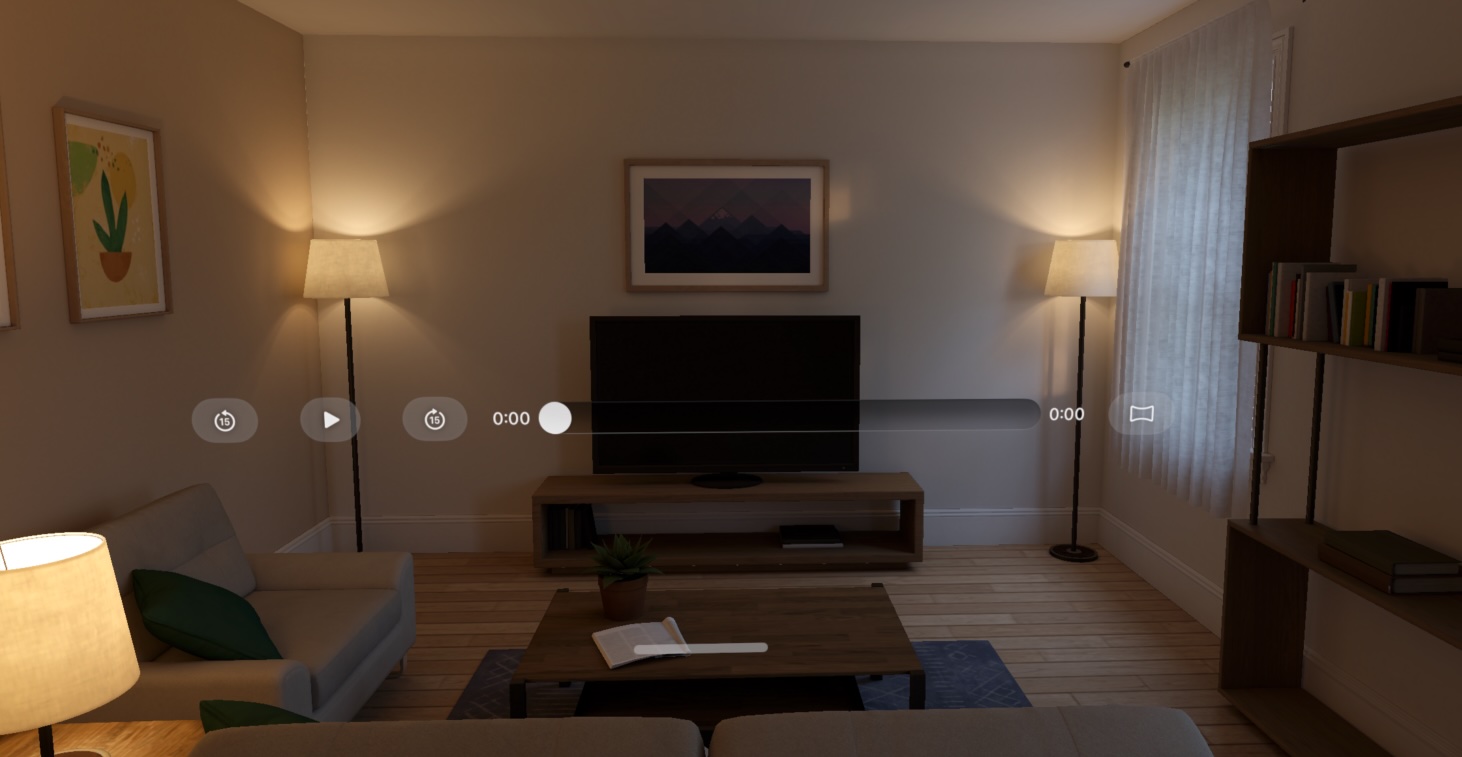
- Real-time AI depth estimation
Convert traditional 2D videos into 3D in real time during playback. Leverages the full computational power of Vision Pro to add striking depth to flat visuals.
- Quality and performance settings
Choose between quality or speed. Achieve smooth playback up to 30 FPS while maximizing device performance.
- Supported File Formats
Supports common image formats such as JPEG, PNG, and WEBP, as well as images archived in ZIP files and PDF files.
Automatically detects VR360 equirectangular formats for both images and videos using metadata.
Map and 3D Look Around
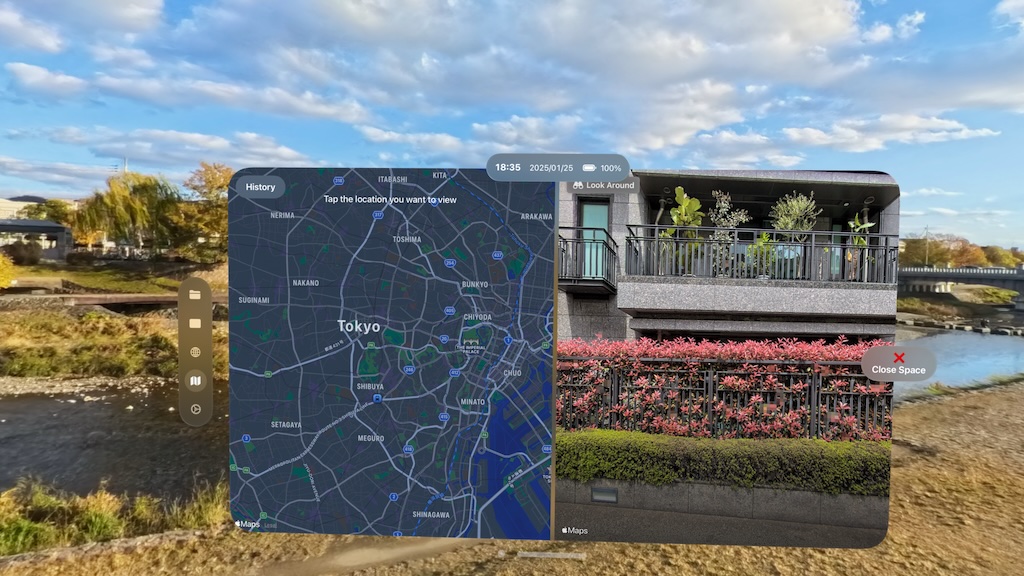
- About the three-dimensional Look Around of the map
Look Around is displayed with Apple's Map API and the screen is captured and converted to 3D.
- History
Displays up to 100 clicked points on the map. Tap to move the center of the map to that location.
Settings
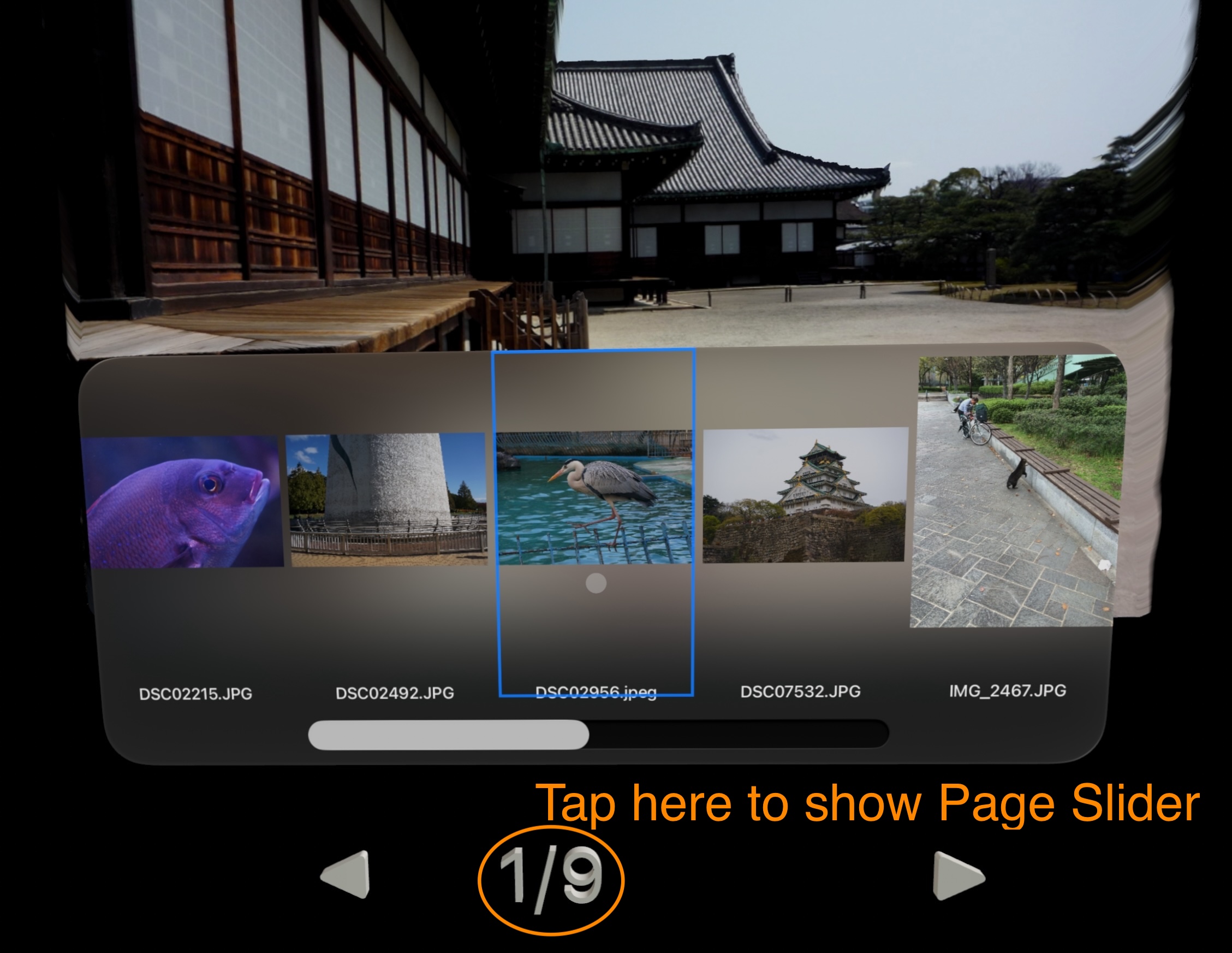
- Window Display
Displays images in a window instead of in space. However, movies and panoramic images cannot be displayed in a window.
- Display in Panorama Mode
Displays images in a larger size with the same process as panorama.
- Initial Size
Changes the initial display size of images and videos.
- Status Bar
Whether to display the time and battery status at the top of the window.
- Depth Estimation
Whether or not to use the AI-based depth estimation function.
- Video Processing
Sets the balance between quality and speed of the video depth estimation process.
- Depth level
Set the intensity of depth effects.
- Sort Order of Zip Archive
The order of images when the Zip archive is opened.
- Open Displayed Image List
Opens the list window of the currently displayed images.
Experience the 2D world in 3D with PanoDive!